
Manage Artifacts from the Cloudflare dashboard
You can now configure Artifacts namespaces, repos, and tokens directly from the Cloudflare dashboard.
Artifacts is Git-compatible storage that lets you store repos on Cloudflare and interact with them using standard Git workflows.
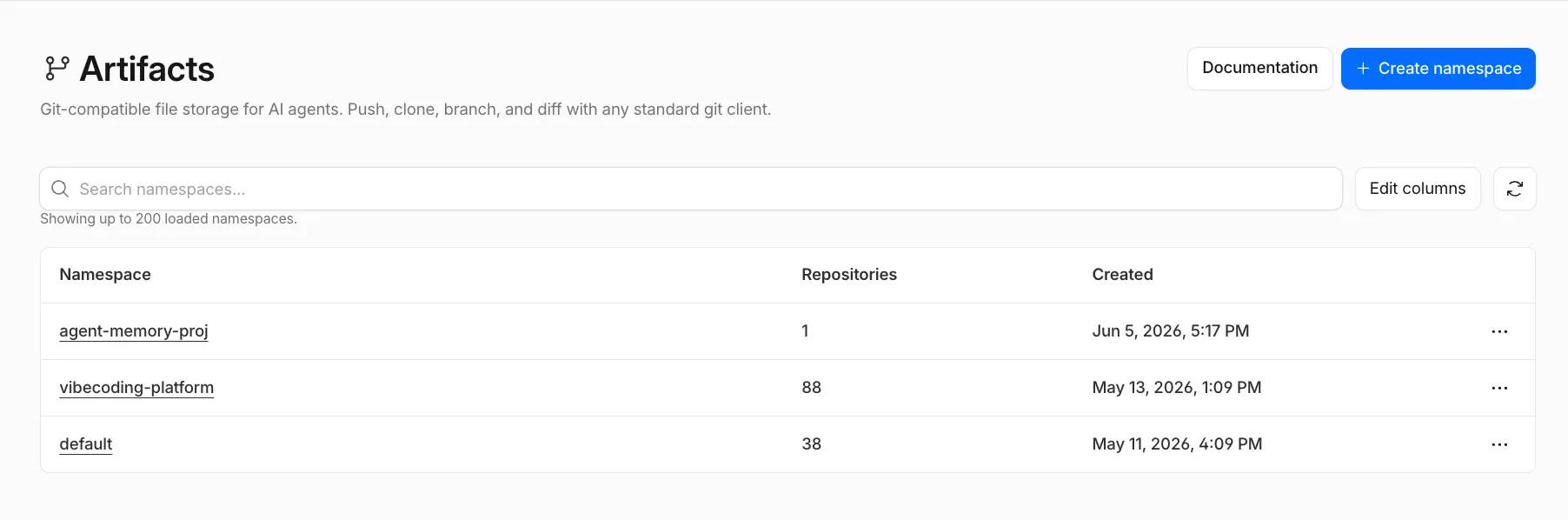
You can view and create namespaces, which are top-level containers for repos:
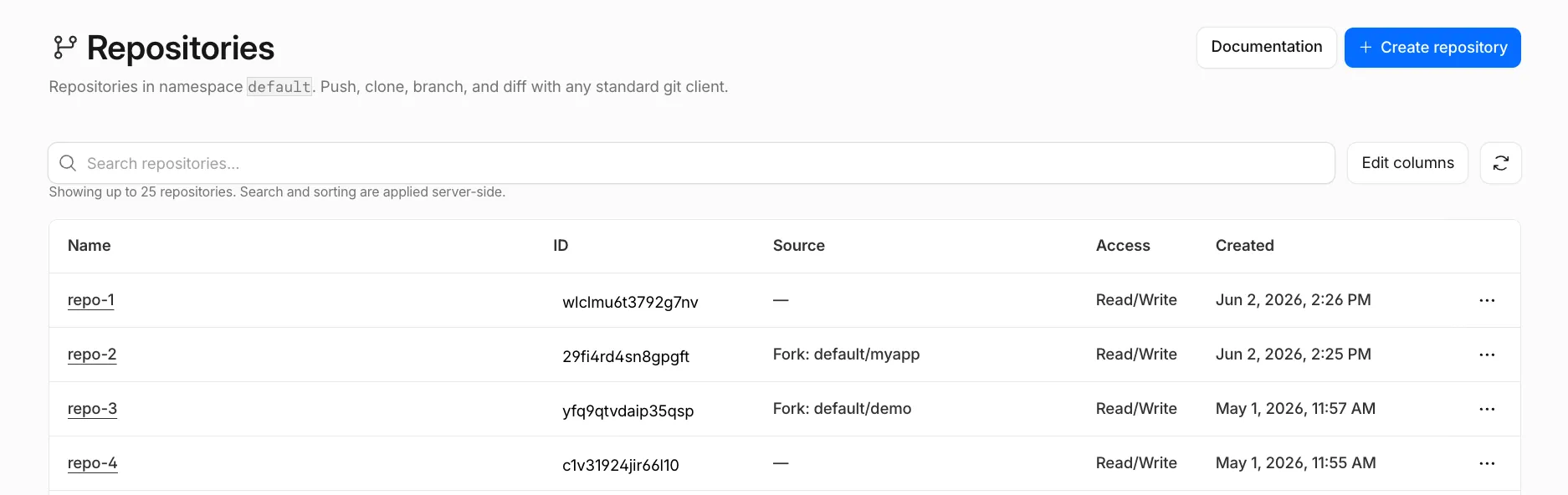
You can view, create, fork, and search repos within a namespace:
You can open a repo to view its files and copy its Git remote URL.
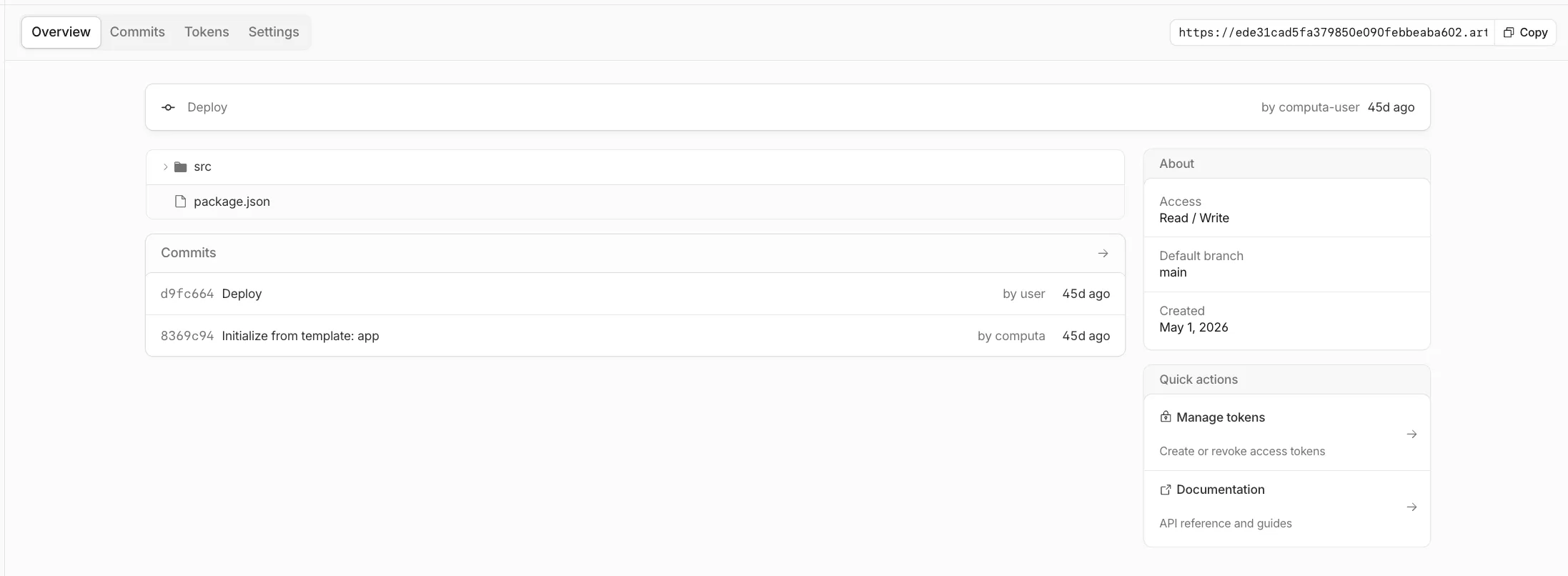
You can also provision tokens directly from the dashboard to scope Git access to a single repo, with read tokens for clone, fetch, and pull workflows, or write tokens when a client needs to push changes.
To get started, go to the Cloudflare dashboard ↗ and select Storage & databases > Artifacts.
If you are enrolled in the Artifacts beta, you can use the dashboard to set up Artifacts. If you would like to join the beta, complete the request form ↗.