> ## Documentation Index
> Fetch the complete documentation index at: https://docs.pullfrog.com/llms.txt
> Use this file to discover all available pages before exploring further.
# Iterating in GitHub
This page walks through the full Plan → Implement → Review loop using Pullfrog entirely inside GitHub. For setting up automations (auto-review, issue enrichment, etc.), see the dedicated pages under Usage.
## Plan
Start by creating an issue for the work you want Pullfrog to handle. By default, Pullfrog adds a Quick Links comment with one-click action buttons.
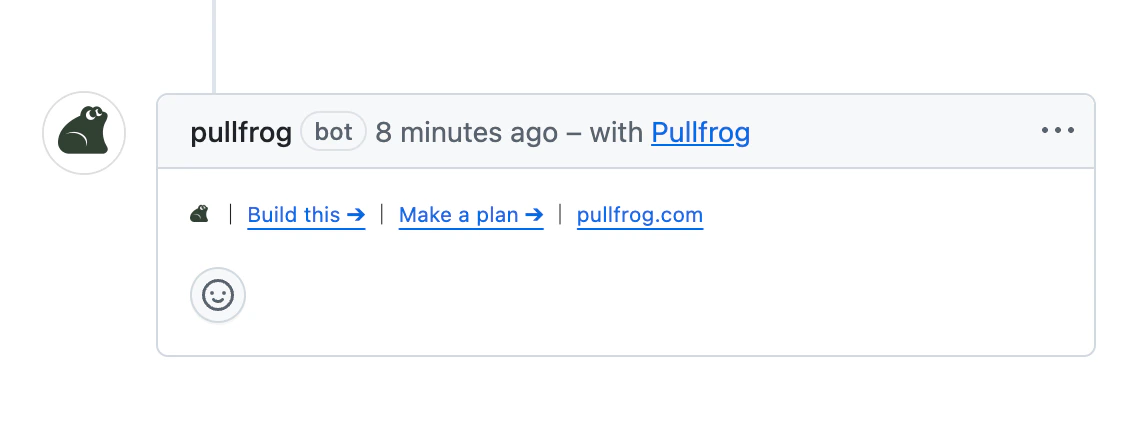 Click **Make a plan** to generate an implementation plan. Pullfrog posts it as a comment on the issue.
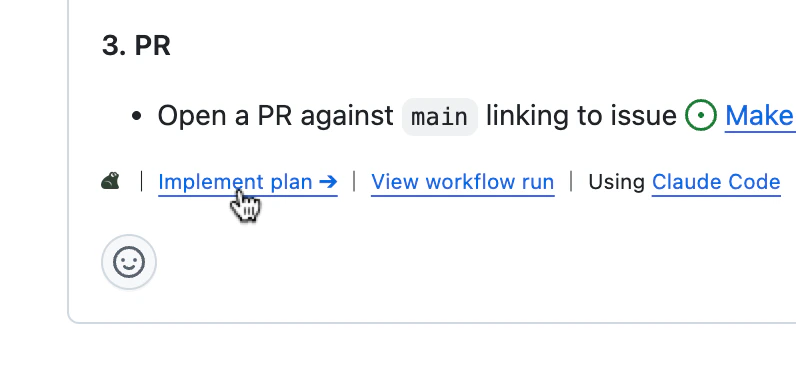
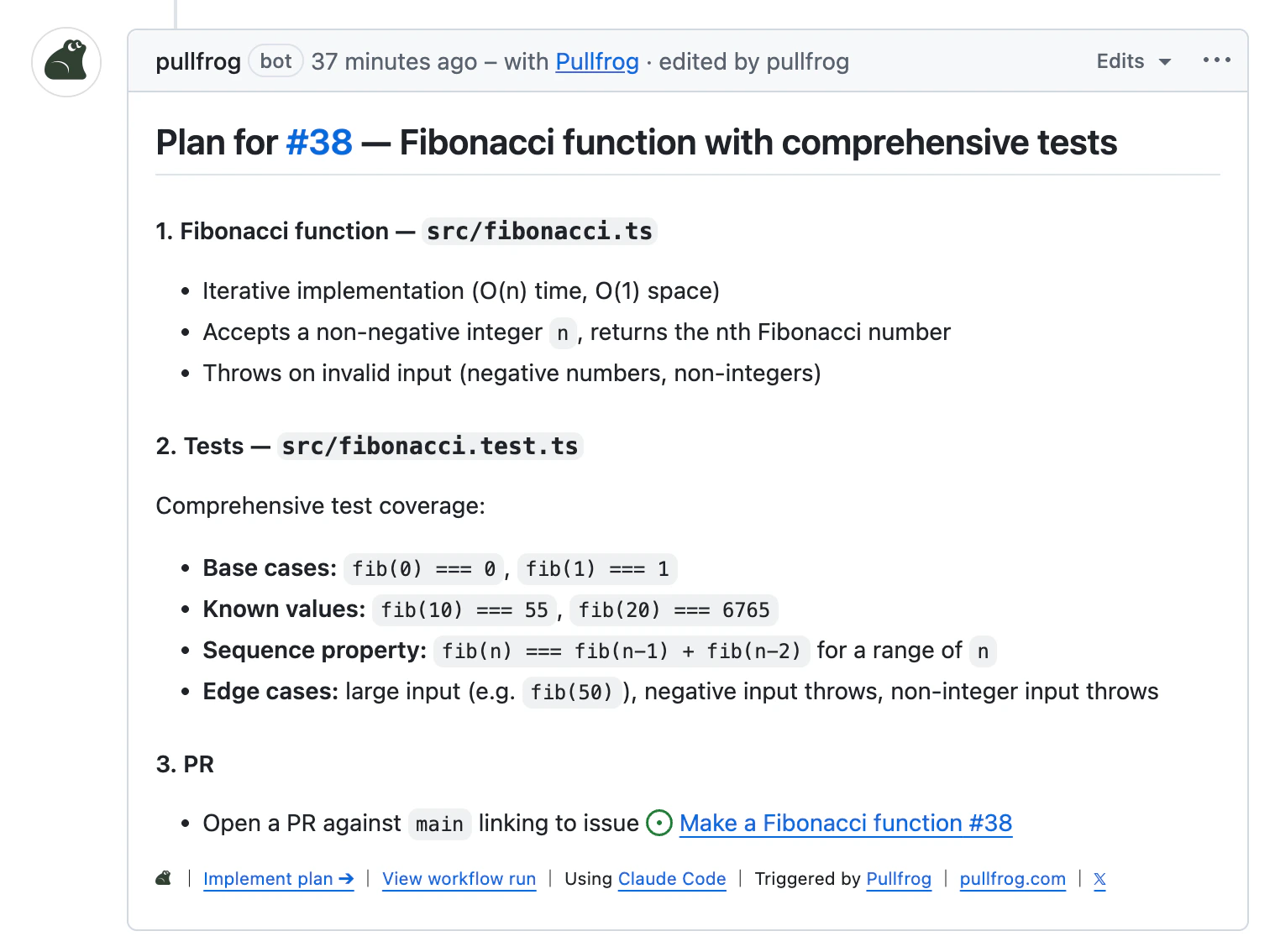 From here you can iterate on the plan by posting follow-up comments (tagging `@pullfrog`), or just edit the plan comment directly yourself. When you're happy with it, hit **Implement plan**.
 If you want to skip Quick Links and get Pullfrog working immediately, tag `@pullfrog` directly in the issue body when you create it. This triggers a run right away using the body as the prompt.
## Implement
Clicking **Implement plan** runs the agent against the latest version of the plan. Pullfrog creates a branch, does the work, and opens a PR linked back to the issue.
You can also auto-trigger implementation on every new issue using [issue enrichment](/issue-enrichment). Set the mode to **Build** and Pullfrog will skip the planning step entirely.
## Review
Once the PR is open, the review loop kicks in. If you have [auto-review](/pr-reviews) enabled, Pullfrog reviews the PR automatically. Otherwise, mention `@pullfrog` in a comment to request a review.
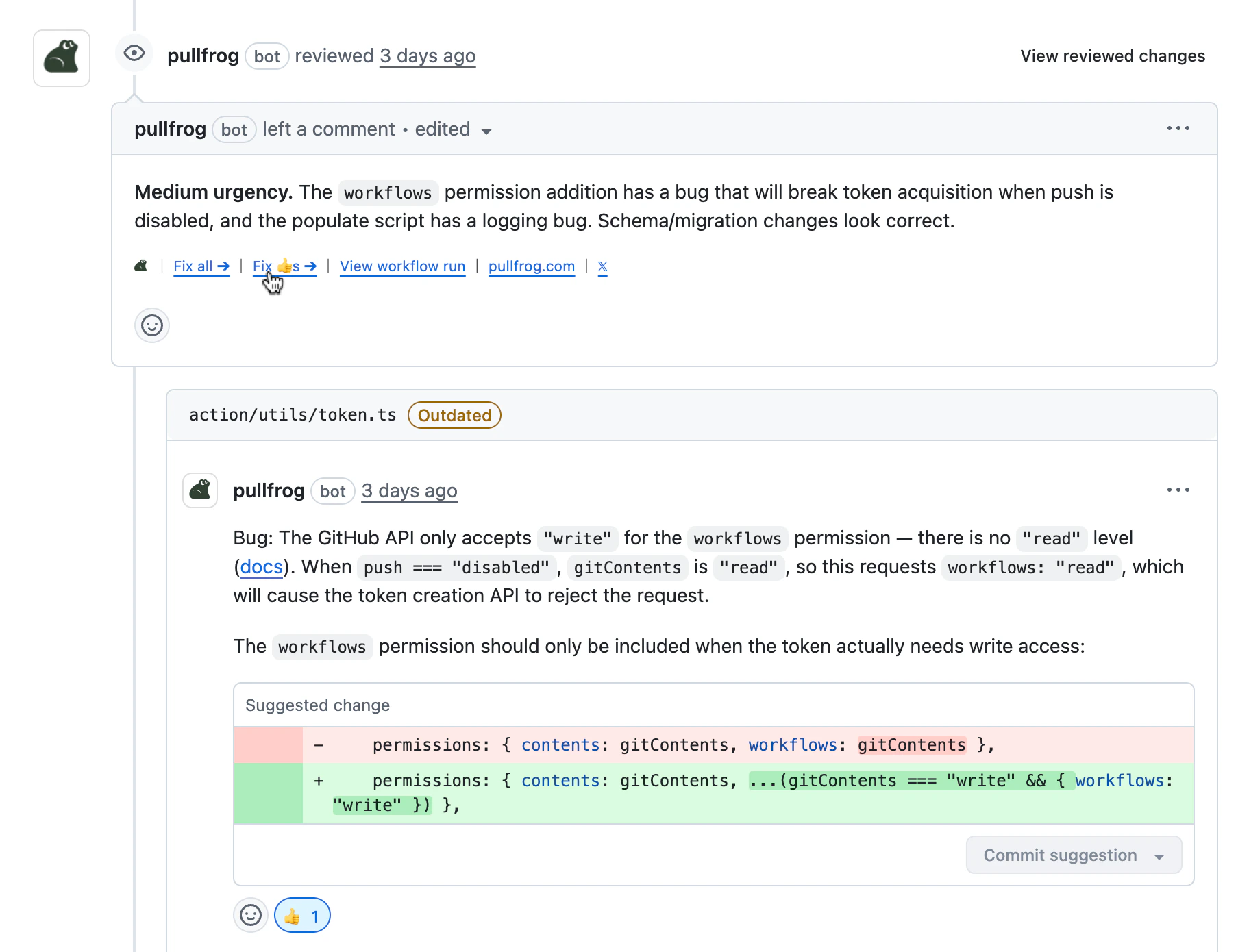
For smaller fixes, Pullfrog uses **Suggest changes** whenever possible so you can apply updates directly from the review thread.
If you want to skip Quick Links and get Pullfrog working immediately, tag `@pullfrog` directly in the issue body when you create it. This triggers a run right away using the body as the prompt.
## Implement
Clicking **Implement plan** runs the agent against the latest version of the plan. Pullfrog creates a branch, does the work, and opens a PR linked back to the issue.
You can also auto-trigger implementation on every new issue using [issue enrichment](/issue-enrichment). Set the mode to **Build** and Pullfrog will skip the planning step entirely.
## Review
Once the PR is open, the review loop kicks in. If you have [auto-review](/pr-reviews) enabled, Pullfrog reviews the PR automatically. Otherwise, mention `@pullfrog` in a comment to request a review.
For smaller fixes, Pullfrog uses **Suggest changes** whenever possible so you can apply updates directly from the review thread.
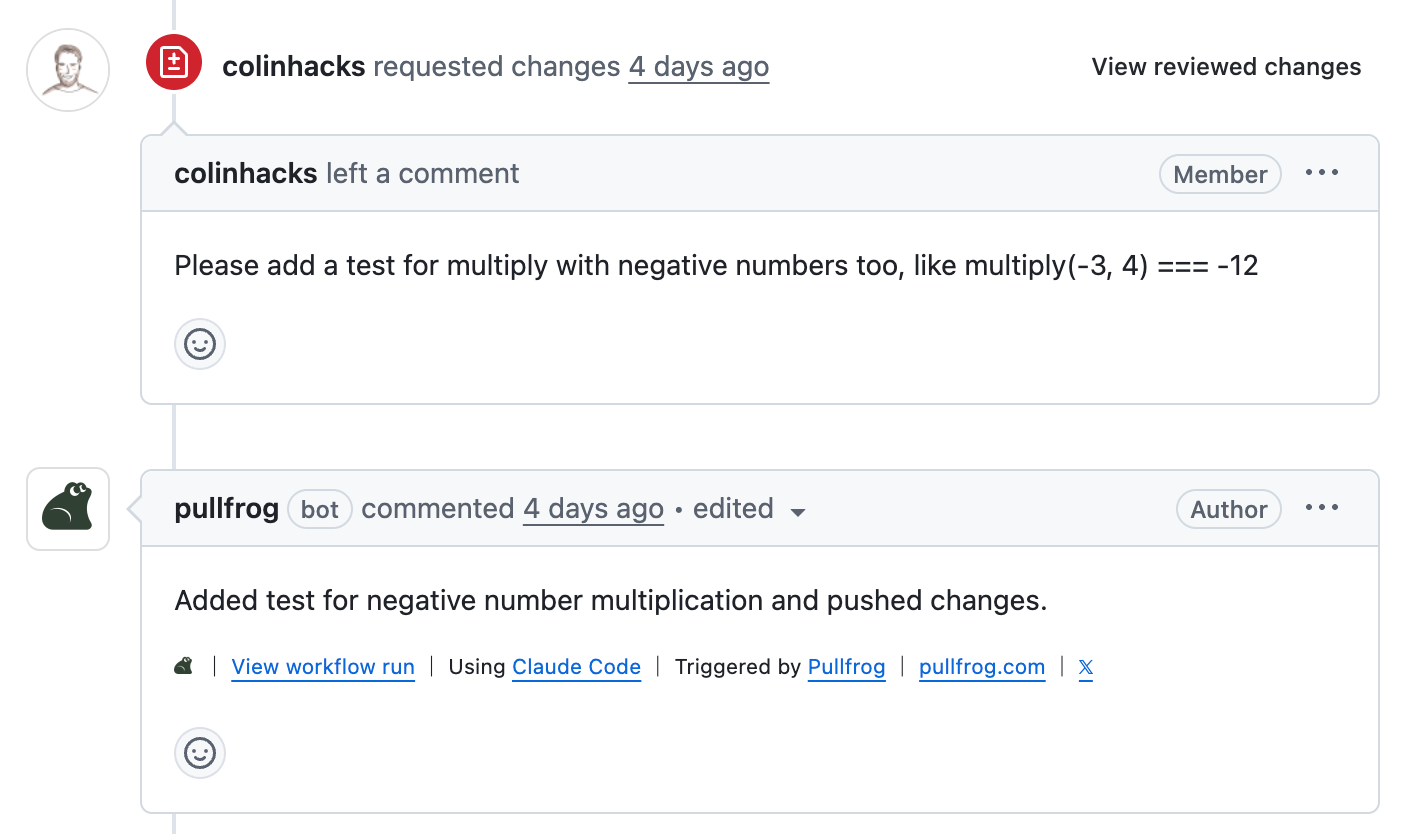
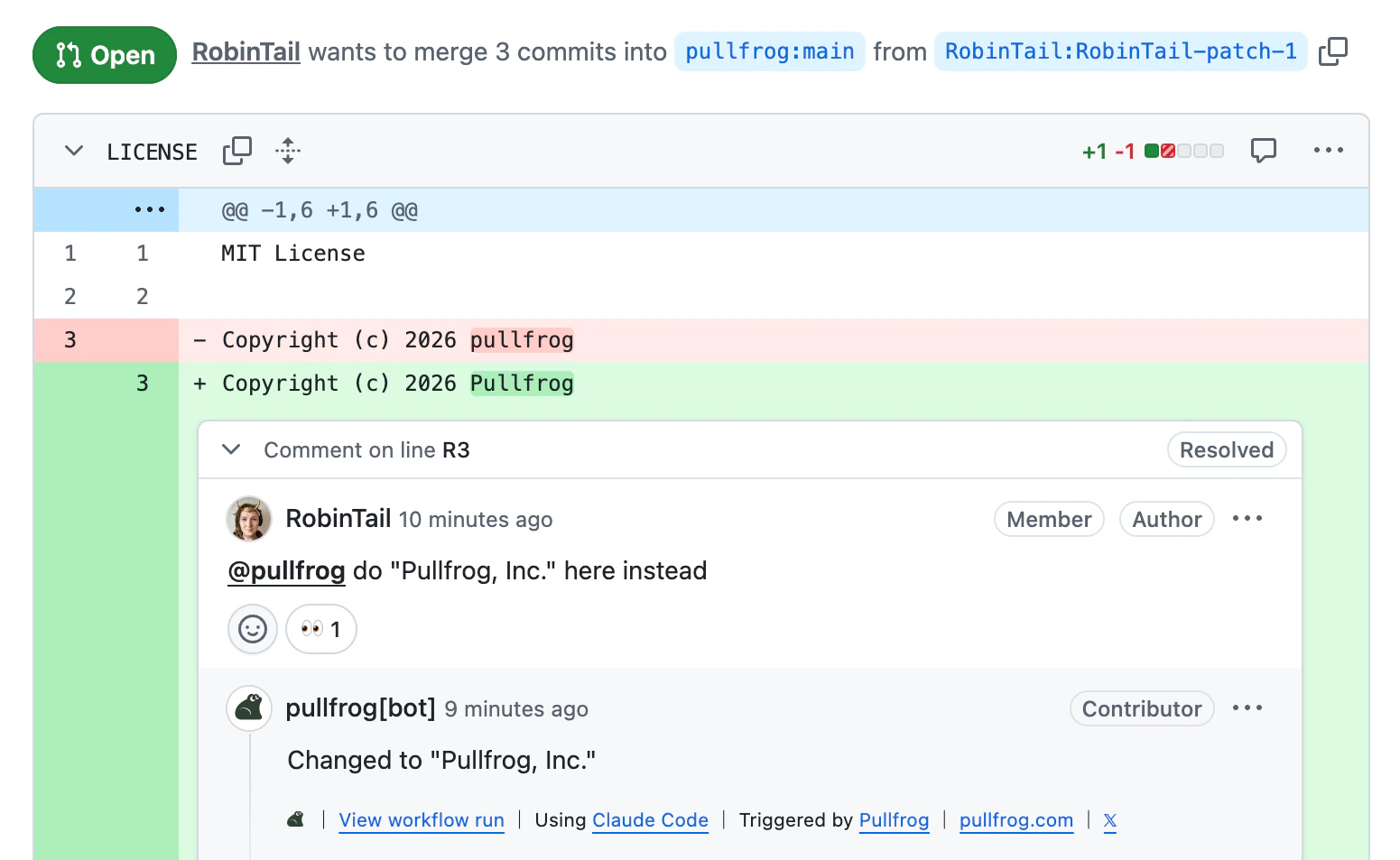 Comment in the PR to ask for changes when you want another implementation pass.
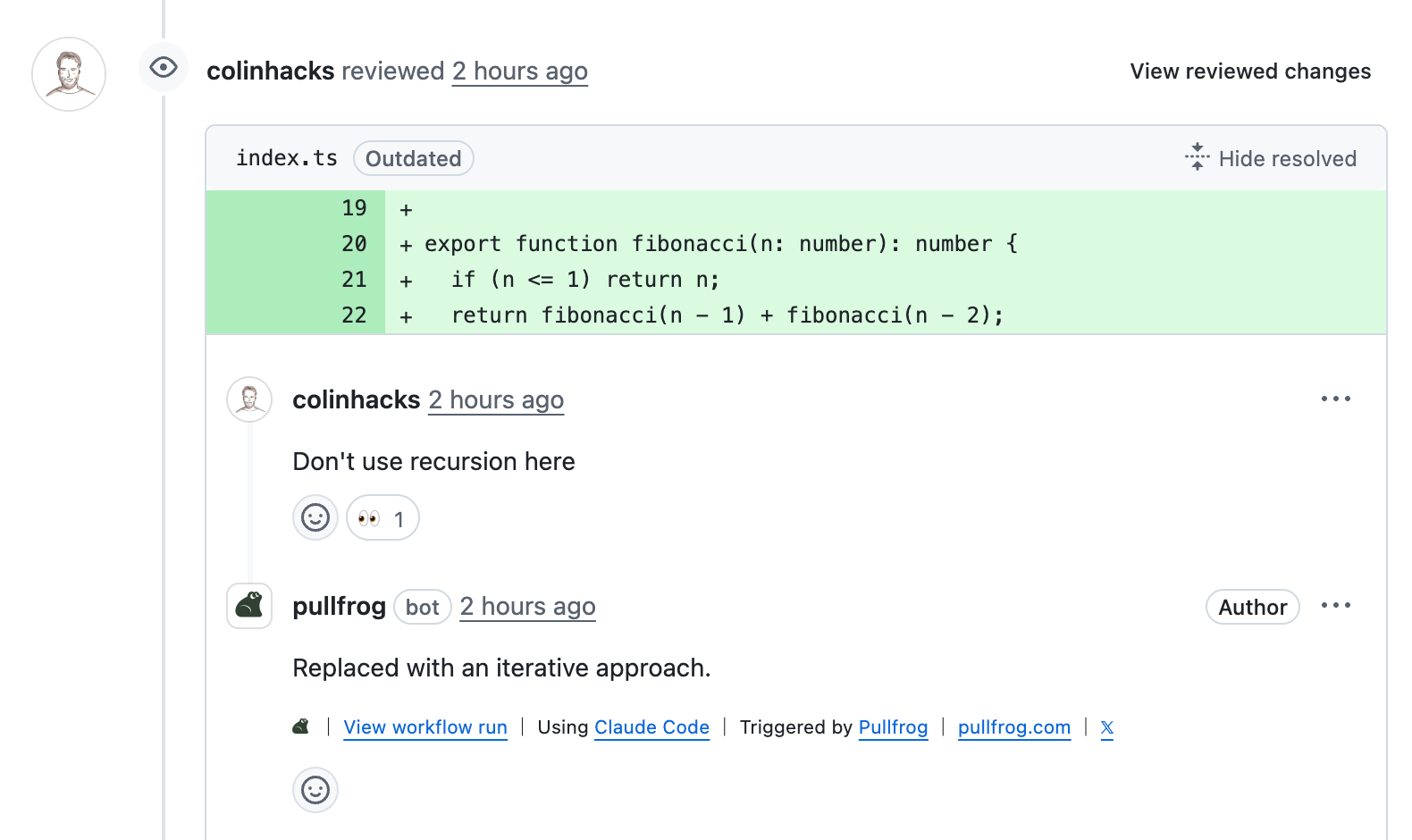
 For line-level or file-specific feedback, comment directly in a review thread so the request is anchored to the exact code.
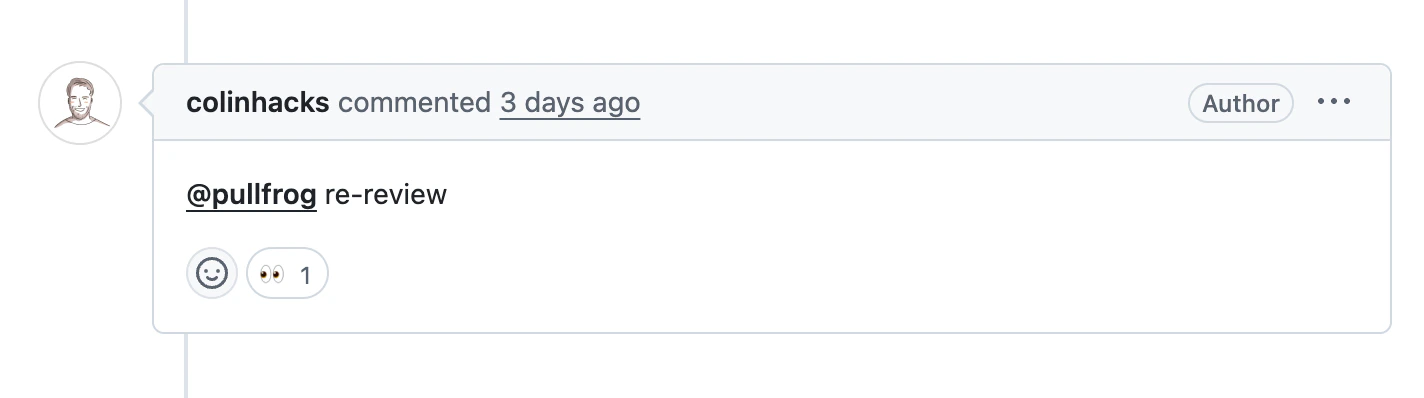
 After updates are pushed, comment in the PR to request a re-review and continue the loop.
 ### Batch fixes
For broad review feedback, you can run a **Fix all** workflow to address the full set of comments in one pass.
### Batch fixes
For broad review feedback, you can run a **Fix all** workflow to address the full set of comments in one pass.
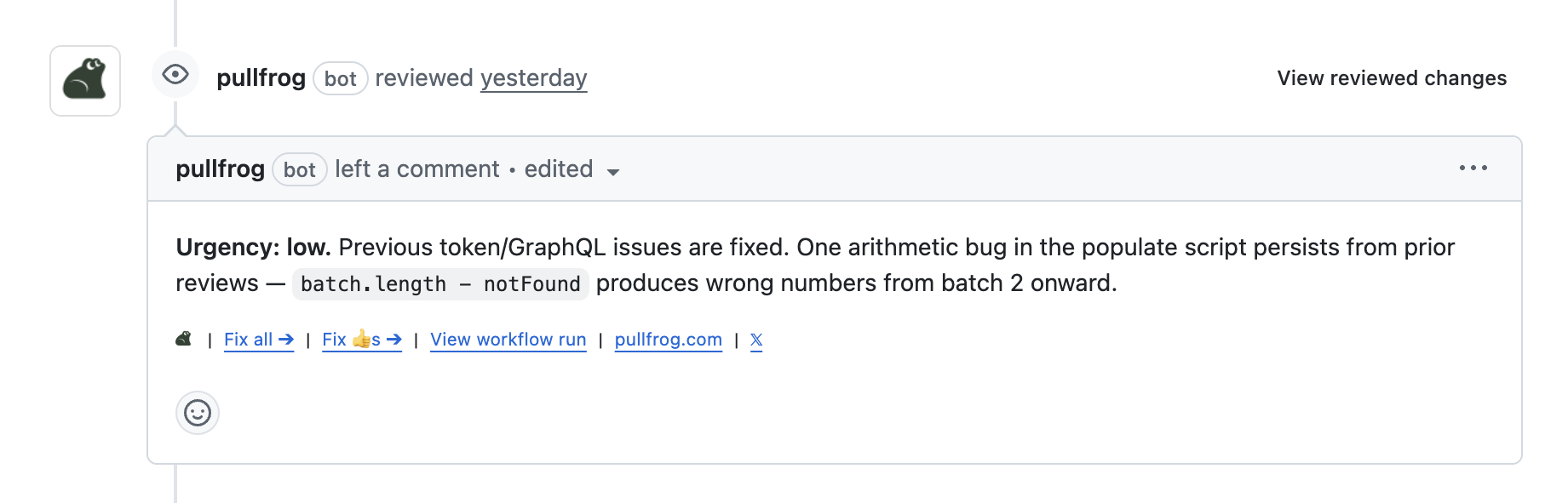 Or, for more targeted work: add a 👍 reaction to each review comment you agree with, then click **Fix 👍s**. Pullfrog applies only those specific fixes and automatically resolves the related threads.