Grumpy cat has mastered Sudoku in heaven. Now he is back to solve your Sudoku puzzles!
The following repository include a Sudoku puzzle game. The game interface consist of three main options:

- Player game mode - Enable playing a random Sudoku game from a database of 10,000 different puzzles.
- Recursive solver - show an example of how to solve the current puzzle using a recursive method.
- CNN solver - Provide a solution to the current puzzle using a trained CNN algorithm. The network learned from a database of 100,000 different puzzles and solutions.
Each solved puzzle can be verified by its own solution provided by the database.

First, download the whole repository to a folder. Then locate the file 'gui_sudoku.py' and run it using any python console.
That's it, you are ready to play SudoCat! Be sure to check the different options...
Player mode is the defualt mode, it means you can write a number in each cell and check if you got it right. If you get it wrong, you get an error messege:

Recursive method to solve any Sudoku puzzle:
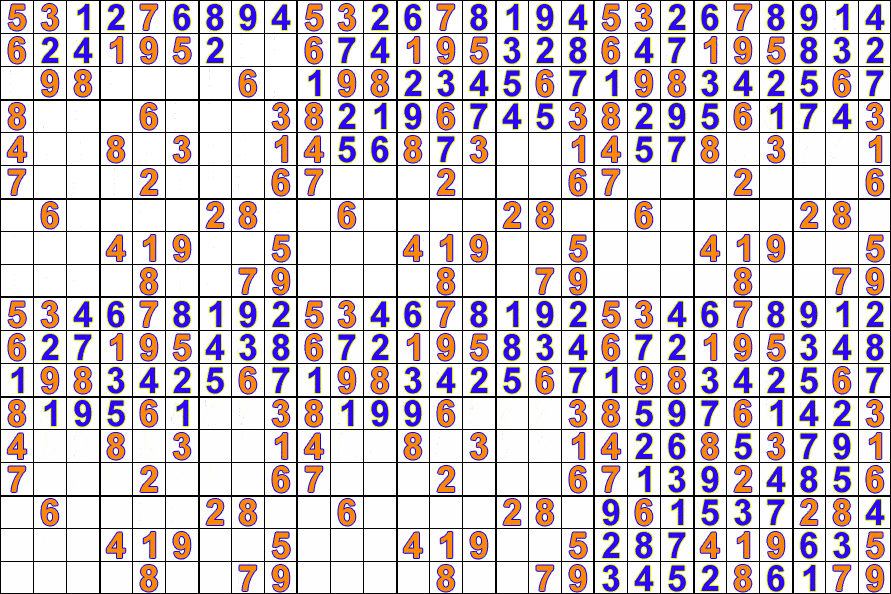

The file responsible for this section - 'recursive_solver.py'.
We created a model with 2 dense layer's plus a dense layer for each cell in the sudoku (2 + 81 = 83 in total). We trained the model over 100,000 sudokus and 10 epochs. We got 99% correct sudokus over 10,000 testing data (data = sudokus):

If you want to load our trained model and test it:
- Download the whole repository to a folder.
- Unzip 'sudoku_trained-100000.part1.rar' and 'sudoku_trained-100000.part2.rar' to the main folder.
- Run "main_cnn.py".
If you want to train the model all you need to do is:
- Download the whole repository to a folder.
- Change the num_train_data and num_test_data as you wish.
- Open the file 'main_cnn.py' and make sure to uncomment "solver = train(...)", line 91.
- Uncomment "solver.save(NAME)", line 95 (Not obligatory, do it only if you want to save the model).
- Comment line 98, this line loads our model.
FYI : All the solved sudokus by the CNN model were saved in a csv file, so when you press solve, you get the solution from the csv file. We made it that way only to speed up the program.