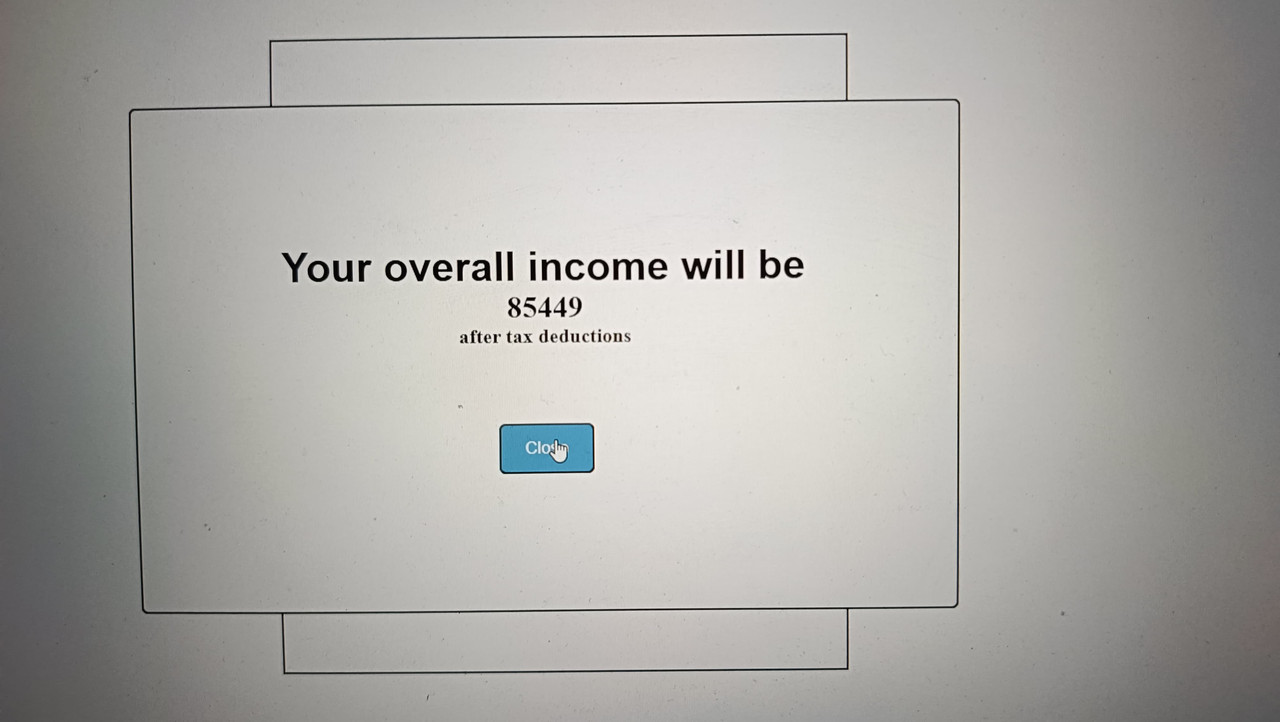
Welcome to the Tax Calculator, your handy tool for estimating your net income after tax deductions!
- Easy-to-Use Interface: Simple and intuitive design for hassle-free calculations.
- Interactive Tooltips: Hover over question mark icons to get helpful explanations about each input field.
- Real-time Calculation: Watch your income update dynamically as you input your data.
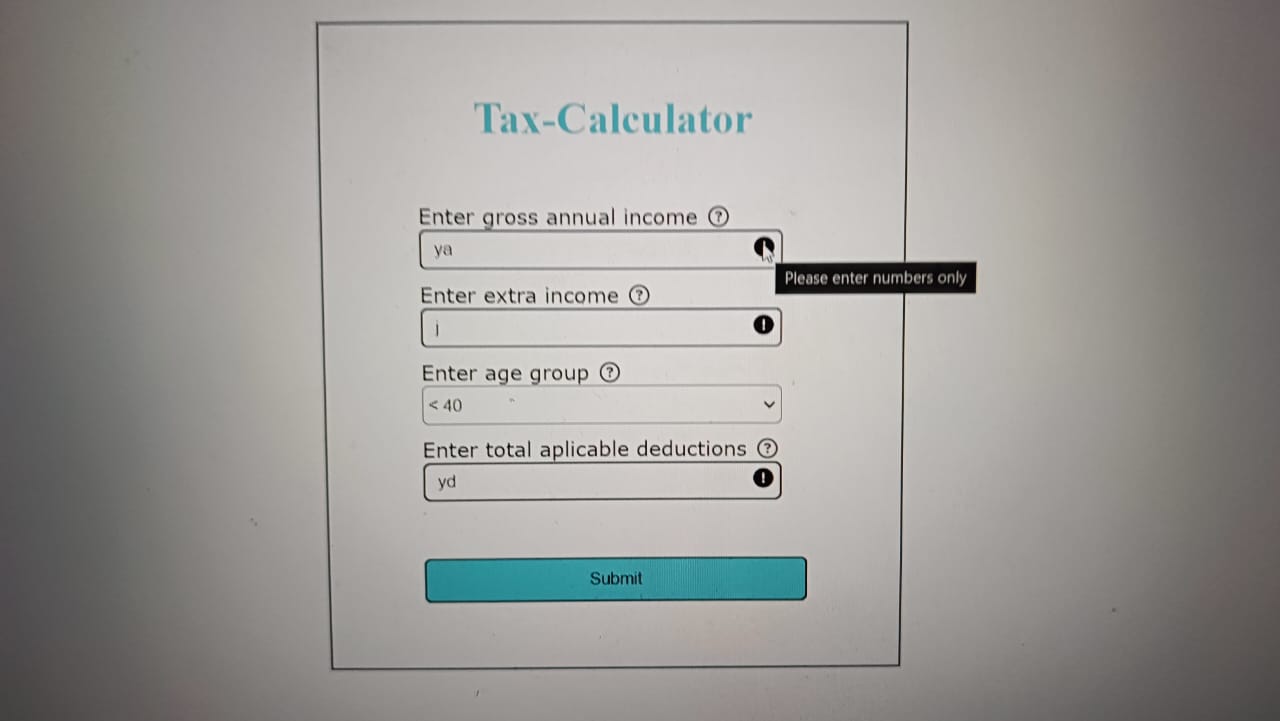
- Error Handling: Instant feedback with error messages if inputs are invalid or fields are left empty.
- Responsive Design: Works seamlessly on all devices, ensuring a great user experience.
- Reset Button: Start fresh with just a click, clearing all inputs and errors.
-
Enter Your Details:
- Input your gross annual income, extra income, age group, and applicable deductions.
-
Validation and Submission:
- Errors will be shown instantly for invalid inputs.
- Click "Submit" to calculate your net income after tax.
-
View Results:
- See your calculated income displayed clearly.
- Click "Close" to hide the result box.
-
Reset:
- Use the "Reset" button to clear all fields and start over.
-
Clone the Repository: git clone https:https:(https://mellifluous-sundae-0b4d12.netlify.app)
-
Open the Calculator:
- Open the
index.htmlfile in your preferred web browser.
- HTML
- CSS
- JavaScript
- Font Awesome for icons
Description: Confirm that all input fields for annual income, extra income, age, and deductions are Not Empty.
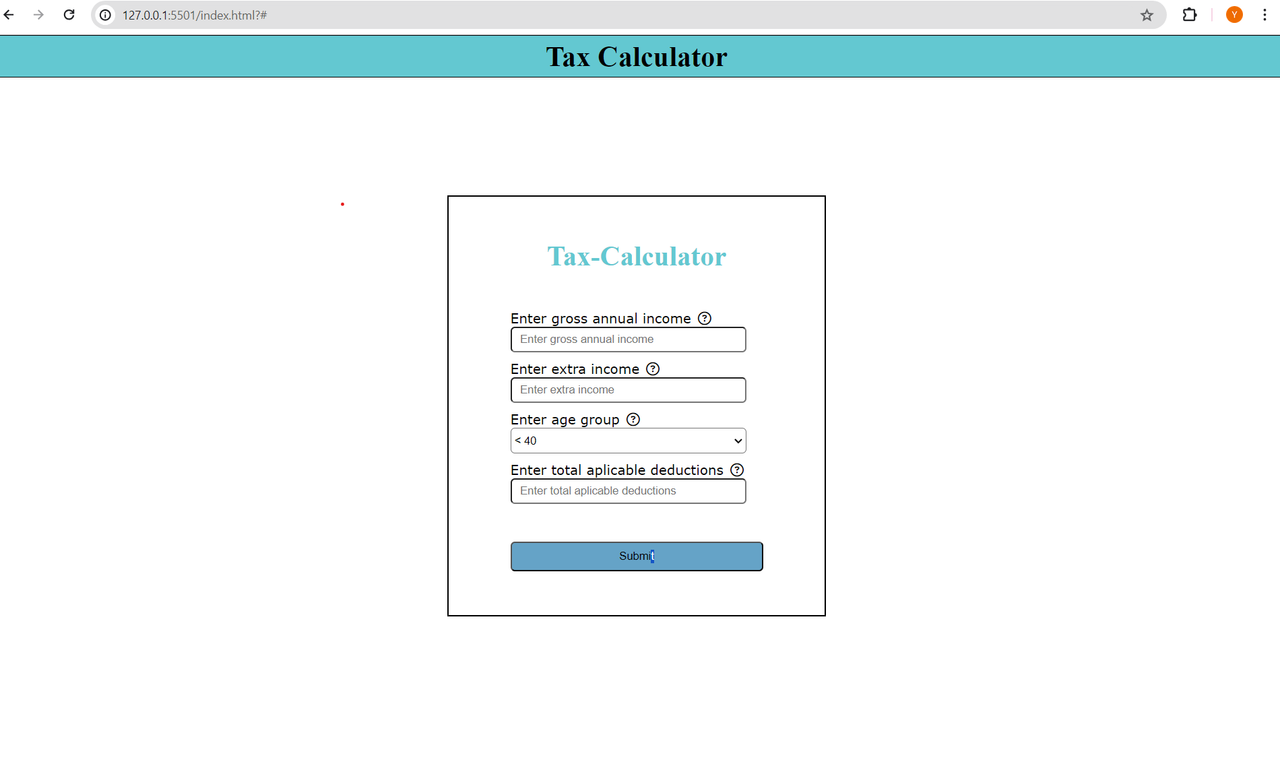
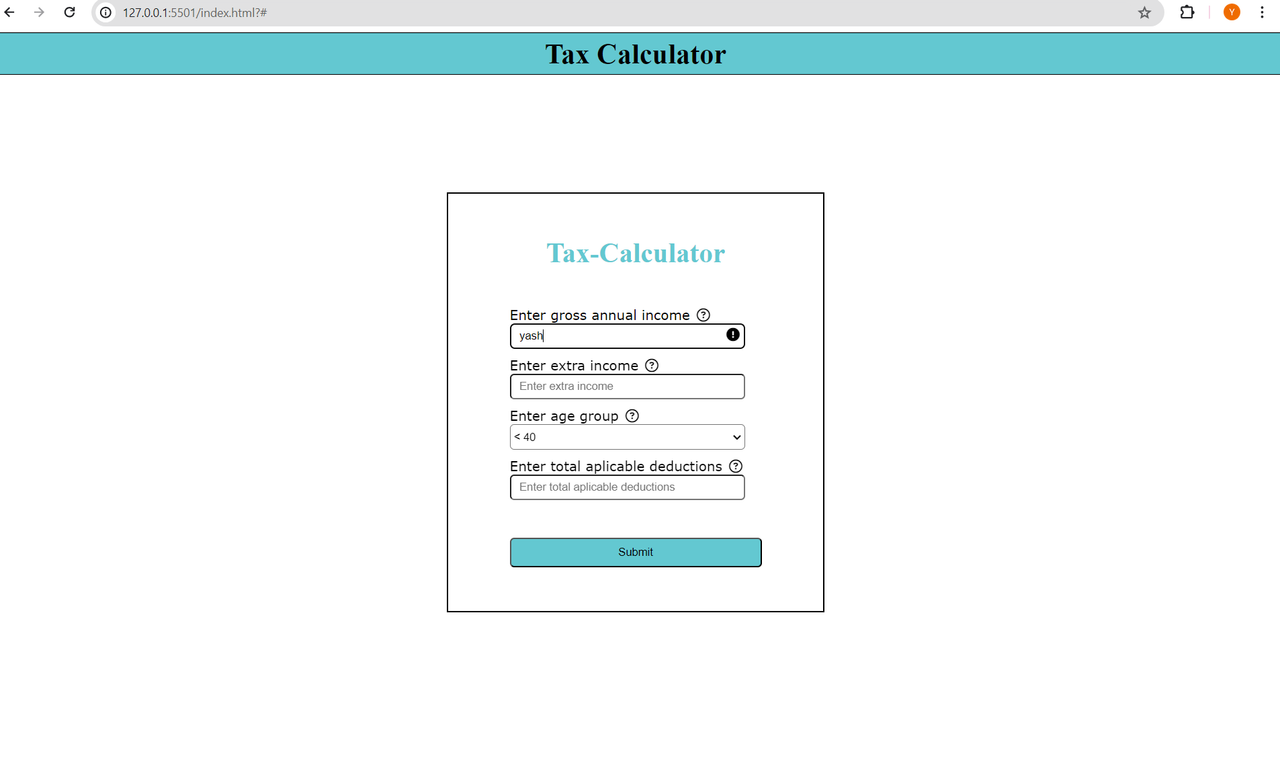
Description: Test if the calculator accepts only numerical values for annual income and displays an error icon for non-numeric inputs.
Description: Confirm that clicking the submit button triggers the tax calculation process and displays the result accurately.

Description: Verify that the tax calculator correctly handles Through Age-Group.
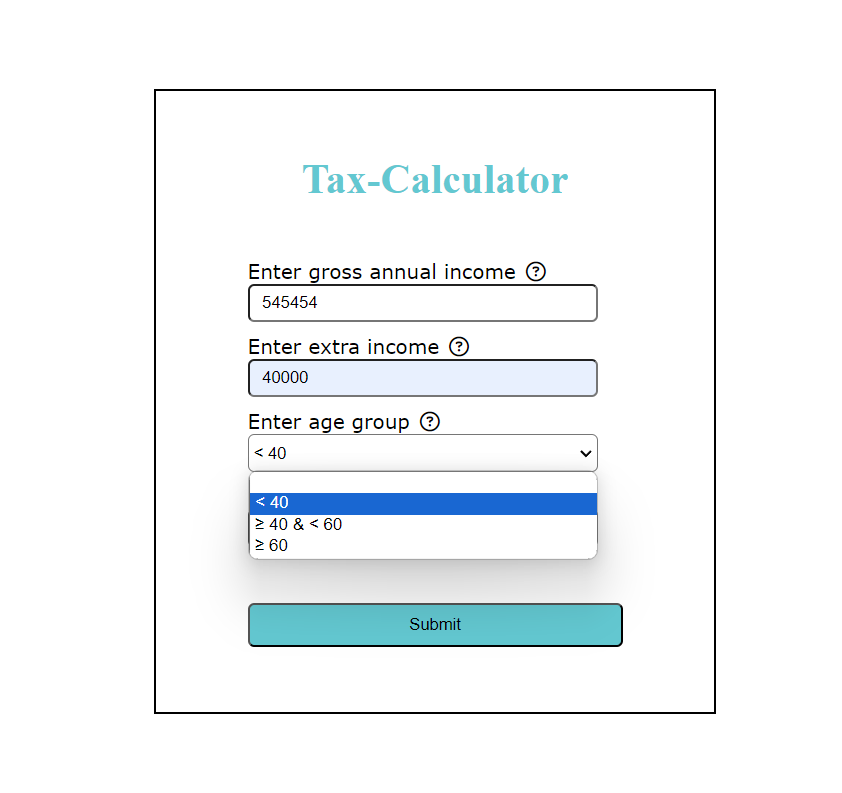
Description: Hover over the question mark icon next to an input field and confirm that a pop-up message appears, providing proper error handling guidance or additional information related to the input field.
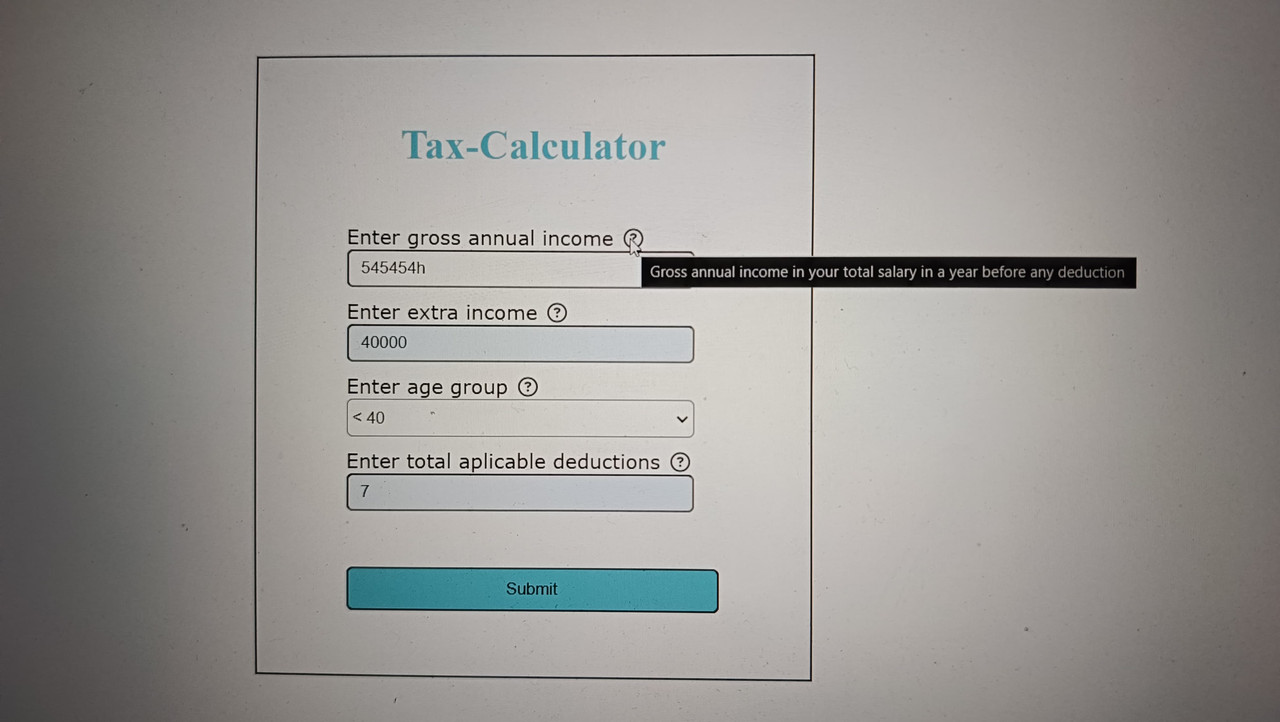
Description: When the character will enter on the input flield error icon will get dispaly and pop-up message will come.

Description: Hover over the error mark icon next to an input field and confirm that a pop-up message appears, providing proper error handling guidance or additional information related to the input field.
Description: When i click on my close button my result page get disapper and submit page will showened.