
Run PHP client-side in the browser or in Node.js.
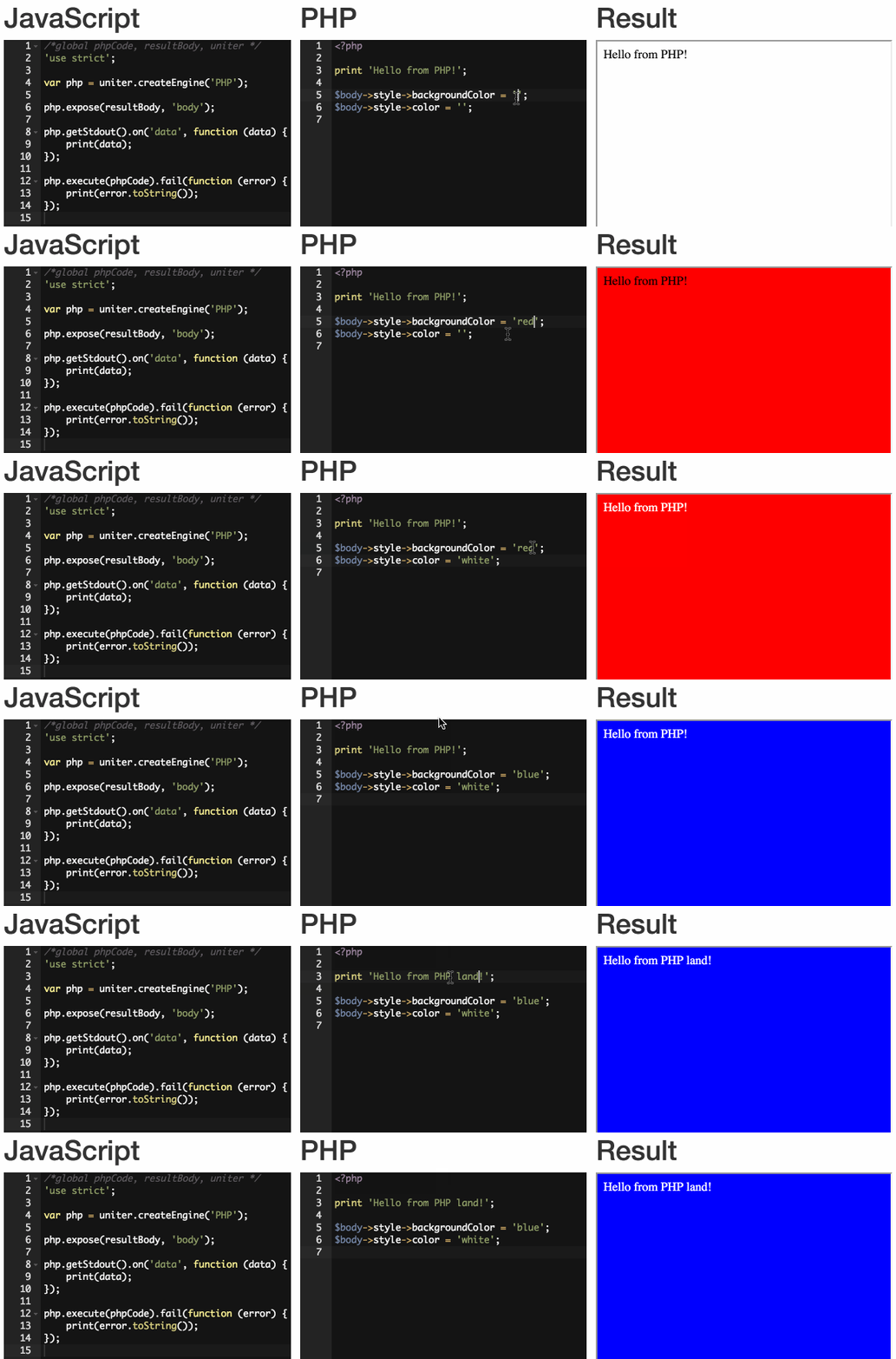
$ npm install uniter
$ node
> var php = require('uniter').createEngine('PHP');
> php.getStdout().on('data', function (text) { console.log(text); });
> php.execute('<?php print "Hello from PHP!";');
Hello from PHP!-
Environment-agnostic architecture: should run in any modern browser (IE < 9 support coming soon) and Node.js
-
PHP statements, constructs and operators:
if,elseandelse ifstatementswhileloop supportforloop supportforeachloop supportfunctionstatements with type hinting (as syntactic sugar only: no enforcement is performed yet)- Closure
functionexpressions switchstatements- Forward and backward
gotostatements (but no overlap support yet) classobject support (newoperator,extendssupport etc.)- Instance property/method access (
->operator) - Static class property/method access (
::operator),self::construct usestatement forclass,namespaceandfunctionimporting and aliasing- Magic
__autoload(...)function - Magic
__DIR__,__FILE__and__LINE__constants - Ternary operator
- Loose equality
==and inequality!=comparison operators - Strict equality
===and inequality!==comparison operators
And others... see the
Engineintegration tests for more info.
You can use Uniter from the command line after installing it via NPM, eg.:
# Install Uniter globally
$ npm install -g uniter

# Execute PHP code
$ uniter -r 'echo 7 + 2;'
9

# Parse PHP but just dump the AST as JSON, don't attempt to execute
$ uniter -r 'echo 7 + 2;' --dump-ast
{
    "statements": [
        {
            "expression": {
                "left": {
                    "number": "7",
                    "name": "N_INTEGER"
                },
                "right": [
                    {
                        "operator": "+",
                        "operand": {
                            "number": "2",
                            "name": "N_INTEGER"
                        }
                    }
                ],
                "name": "N_EXPRESSION"
            },
            "name": "N_ECHO_STATEMENT"
        }
    ],
    "name": "N_PROGRAM"
}- Follow me on Twitter for updates: https://twitter.com/@asmblah
There are two supported ways of running the Mocha test suite:
-
Run the tests in Node.js from the command line:
cd uniter/ npm test -
Run the tests in a browser by starting a Node.js server:
npm run-script webtestYou should then be able to run the tests by visiting http://127.0.0.1:6700 in a supported web browser.