
ghlog lets you view a GitHub user's recent activity.
View a demo of
ghlog's output here.
Note
ghlog is alpha software. Its interface and behavior might change in the near future.
I sometimes need a quick and easy way to get to the last few things I worked on on GitHub. Sadly, GitHub doesn't really offer a good UI for this. As such, I built a simple tool for this. Besides my own activity, I sometimes use it to keep up with what other people I follow are working on.
cargo:
cargo install --git https://github.com/dhth/ghlog$ ghlog run -h
Fetch and display events for a GitHub user
Usage: ghlog run [OPTIONS] <USERNAME>
Arguments:
<USERNAME> GitHub username to run for
Options:
-e, --event-type <EVENT_TYPE> Filter by event type; repeat to include multiple types. Limit applies after filtering [possible values: comment, create, delete, issues, pull-request, pull-request-review, push, release]
-l, --limit <LIMIT> Maximum number of events to show [default: 20]
-f, --format <FORMAT> Output format to use [default: terminal] [possible values: html, markdown, plain, terminal]
--html-template <TEMPLATE> HTML template to use [default: terminal] [possible values: editorial, notebook, terminal, zine]
-p, --include-private Include private events when visible to the authenticated user
-h, --help Print help (see more with '--help')
ghlog can show results in several formats.
| format | description |
|---|---|
| html | A static HTML report |
| markdown | Markdown list with links |
| plain | Plain unstyled text |
| terminal | ANSI-colored text with links |
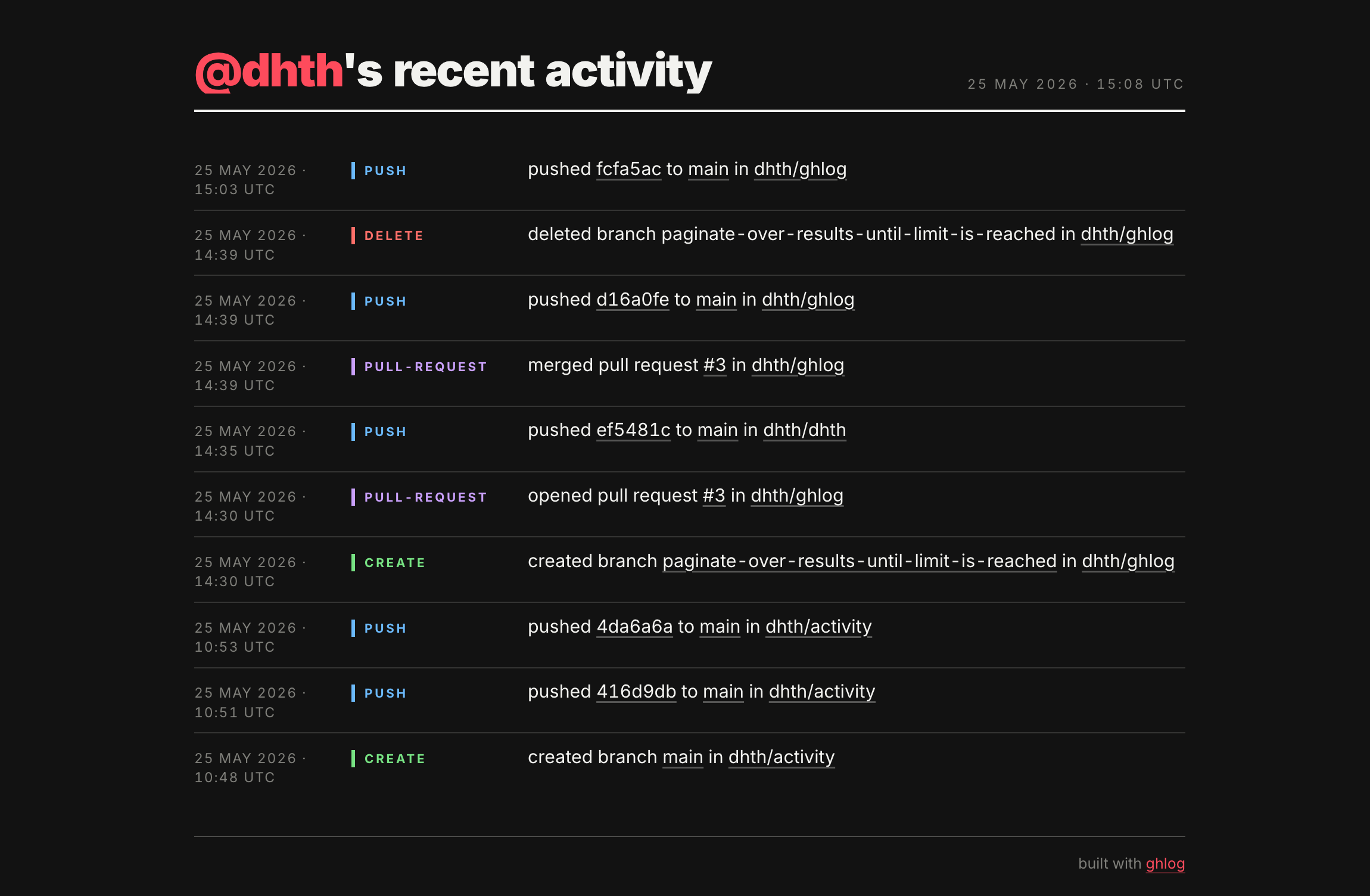
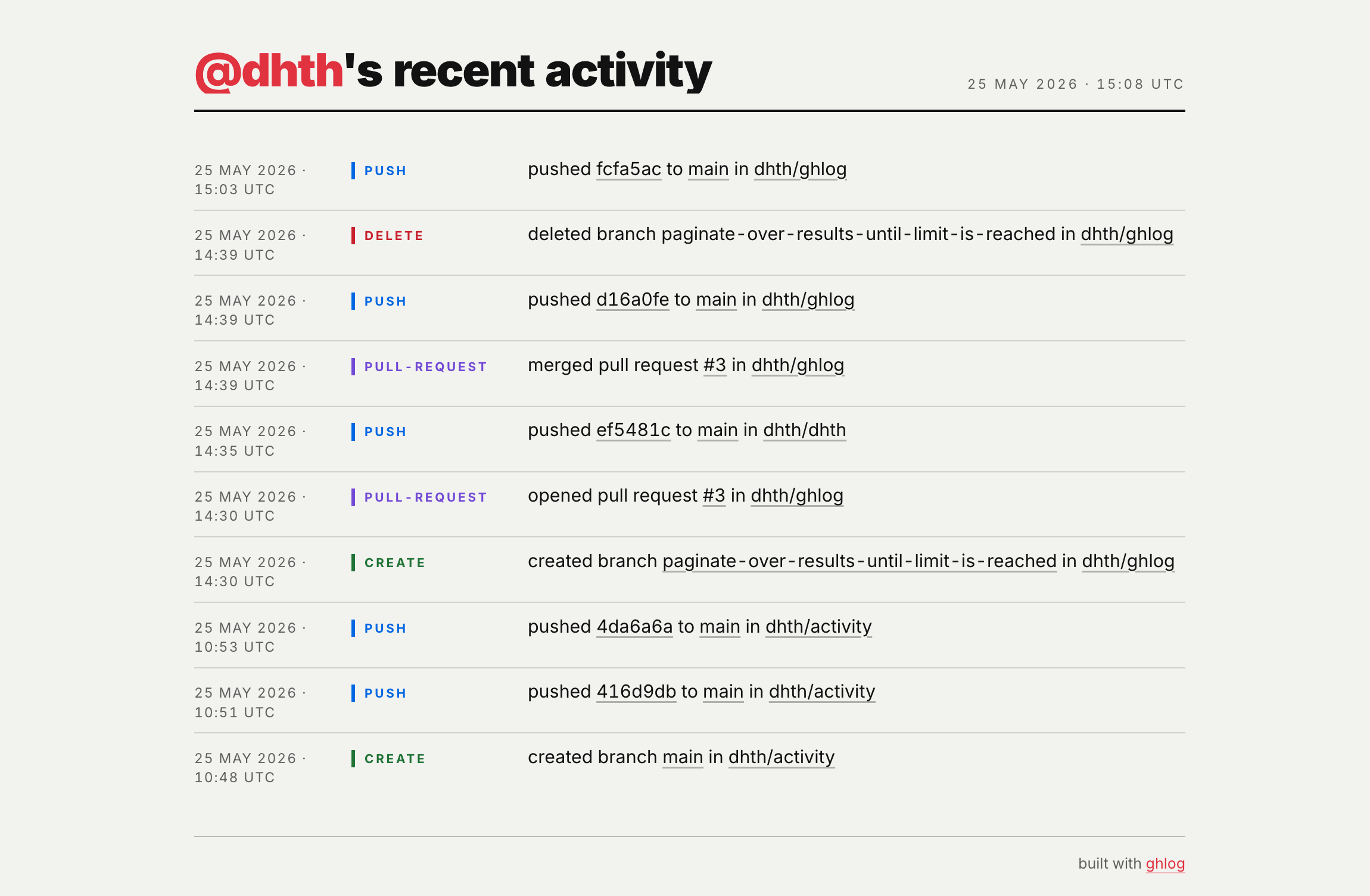
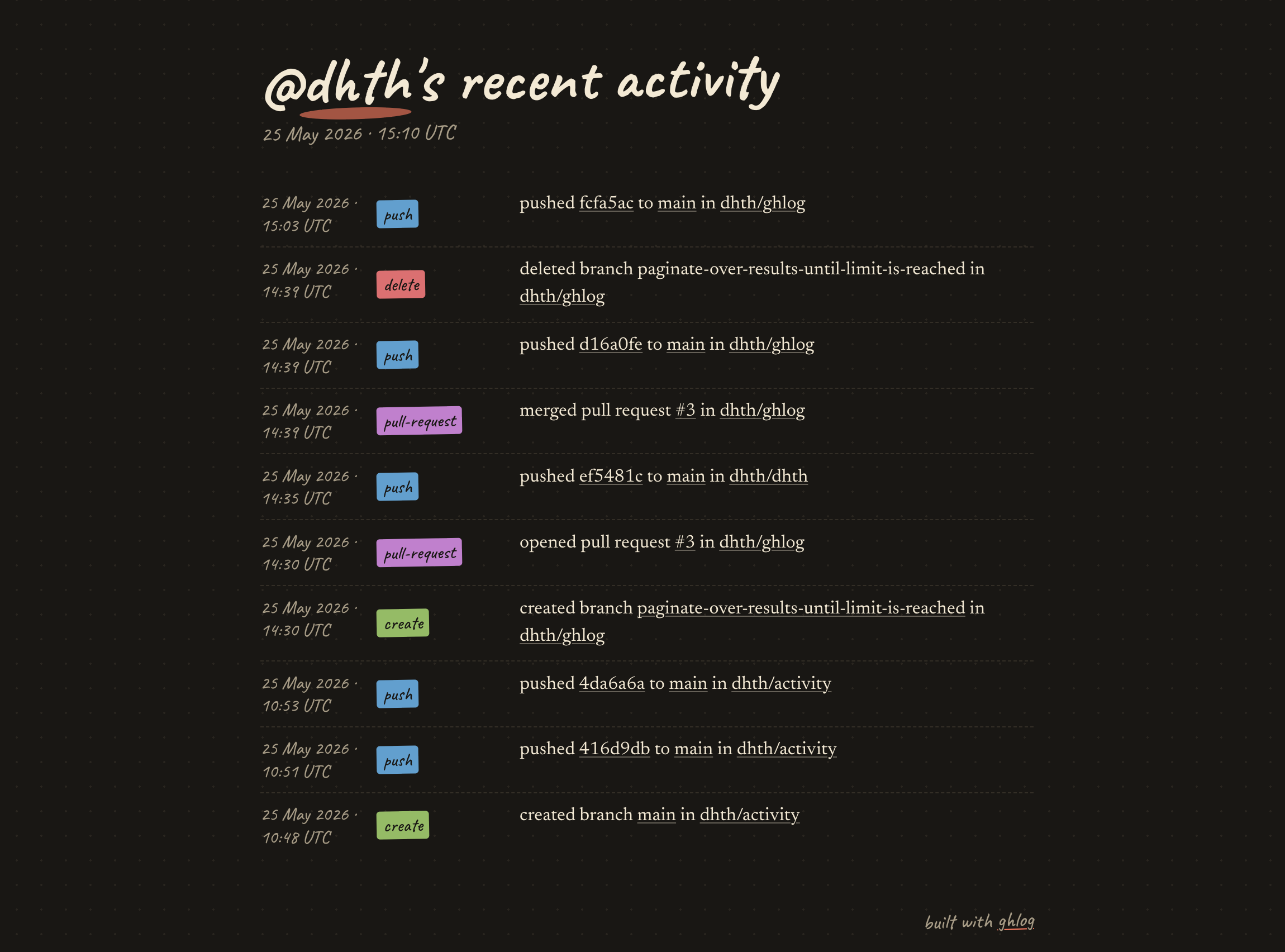
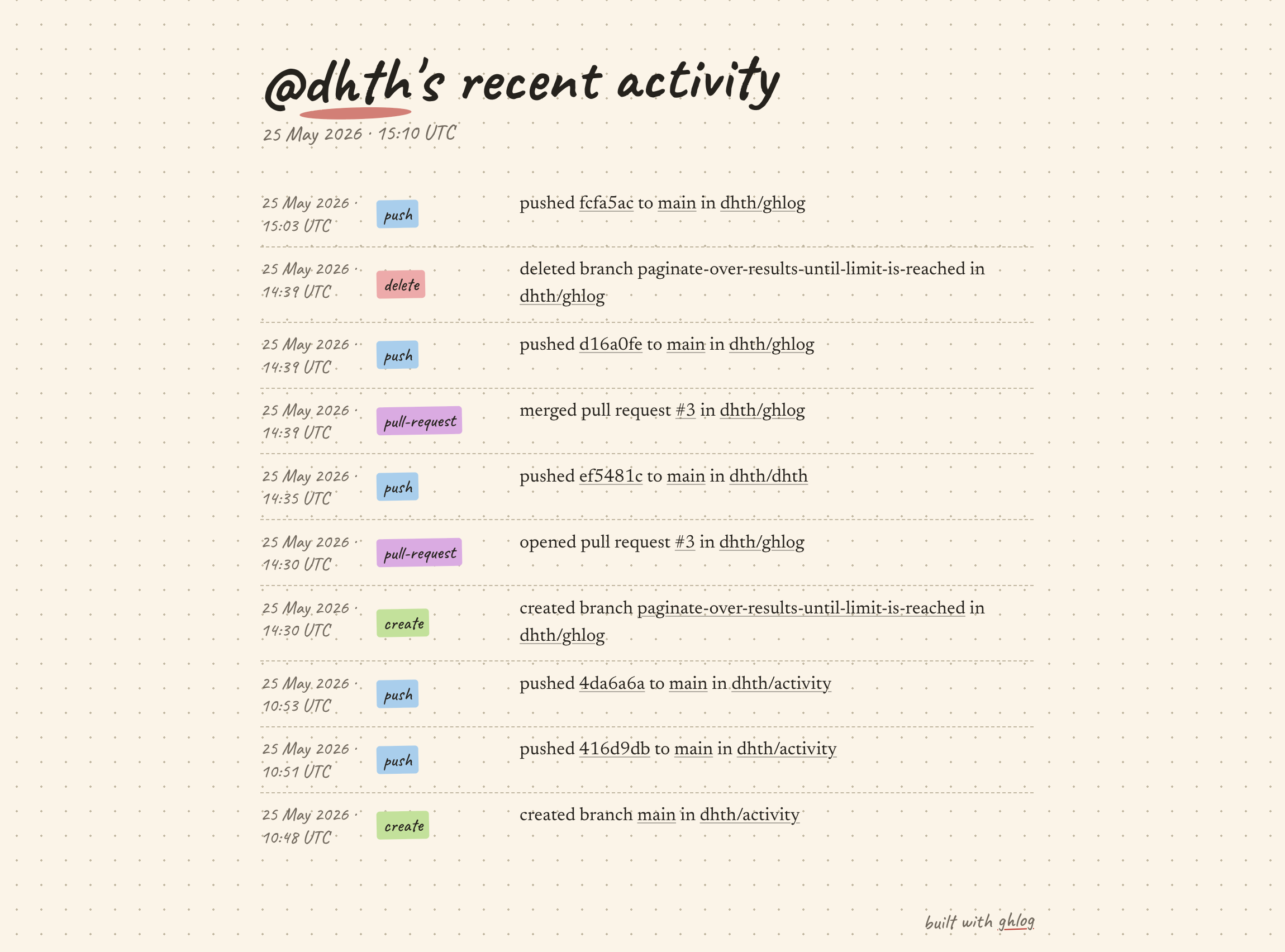
ghlog offers 4 built-in templates for the HTML output.
Serif typography with a magazine-style layout.
| Dark | Light |
|---|---|
 |
 |
Handwritten typography on a dotted-paper background.
| Dark | Light |
|---|---|
 |
 |
Monospaced layout resembling a terminal window.
| Dark | Light |
|---|---|
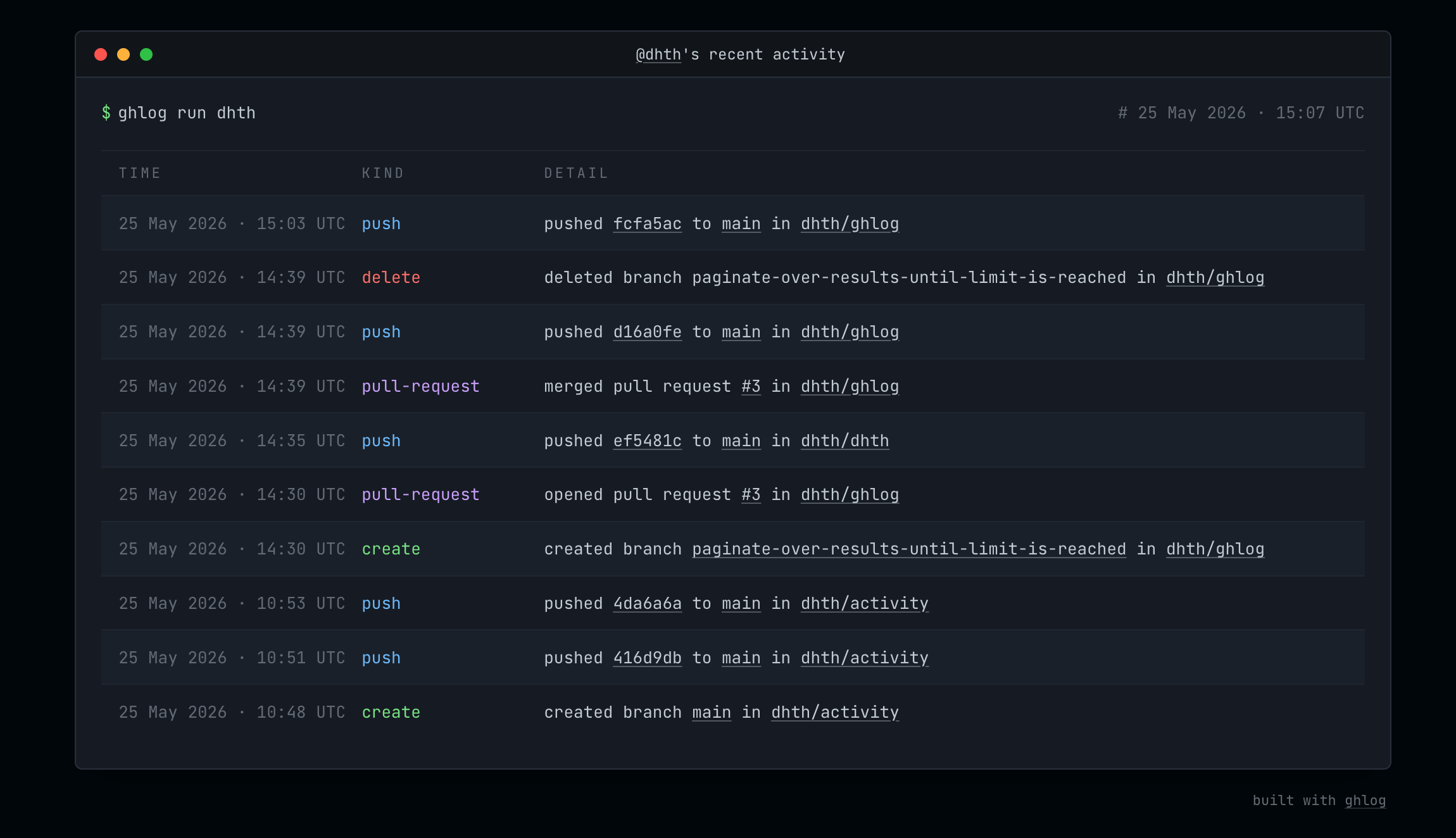 |
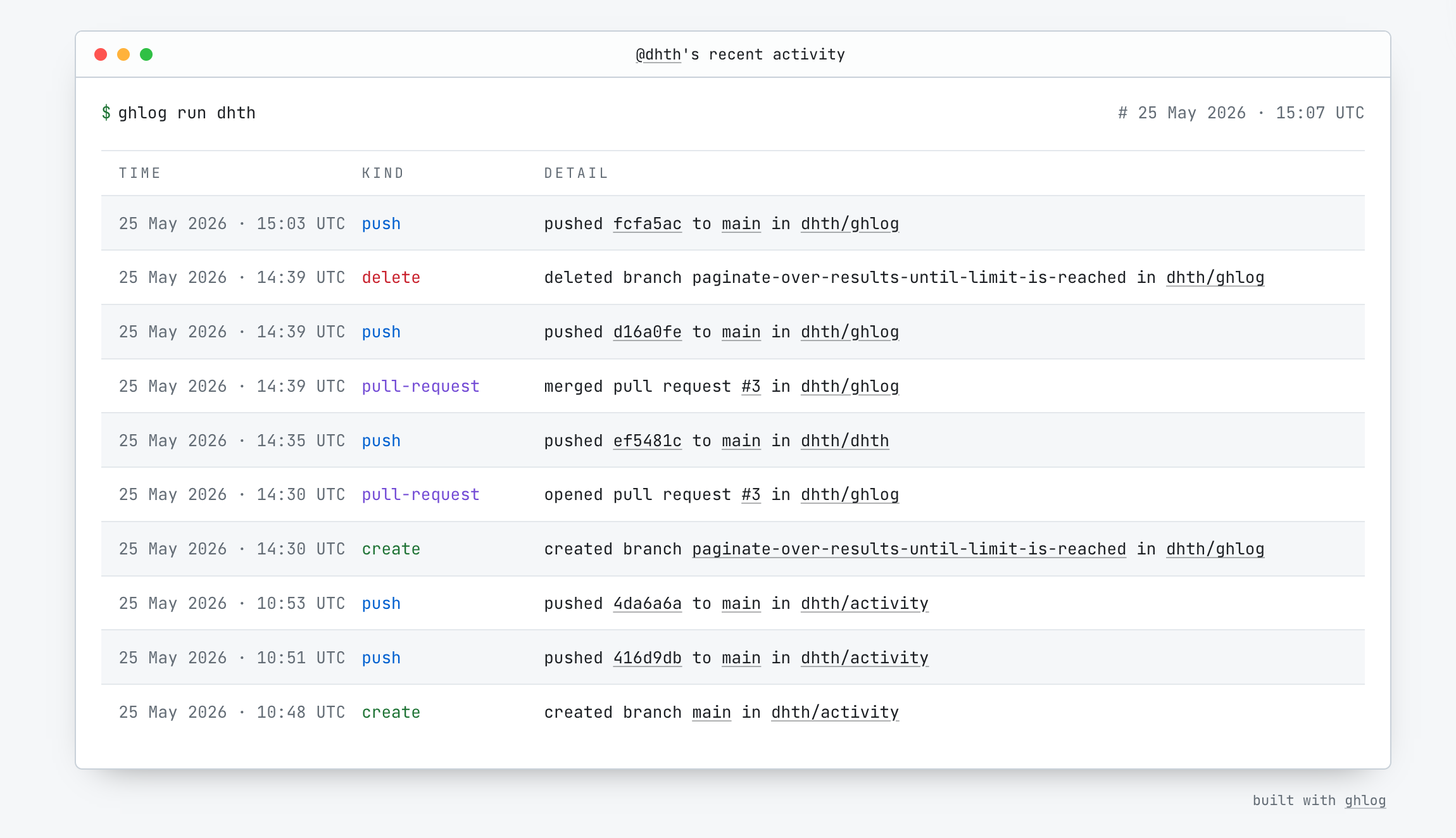 |
Sans-serif display type with colored labels per event kind.
| Dark | Light |
|---|---|
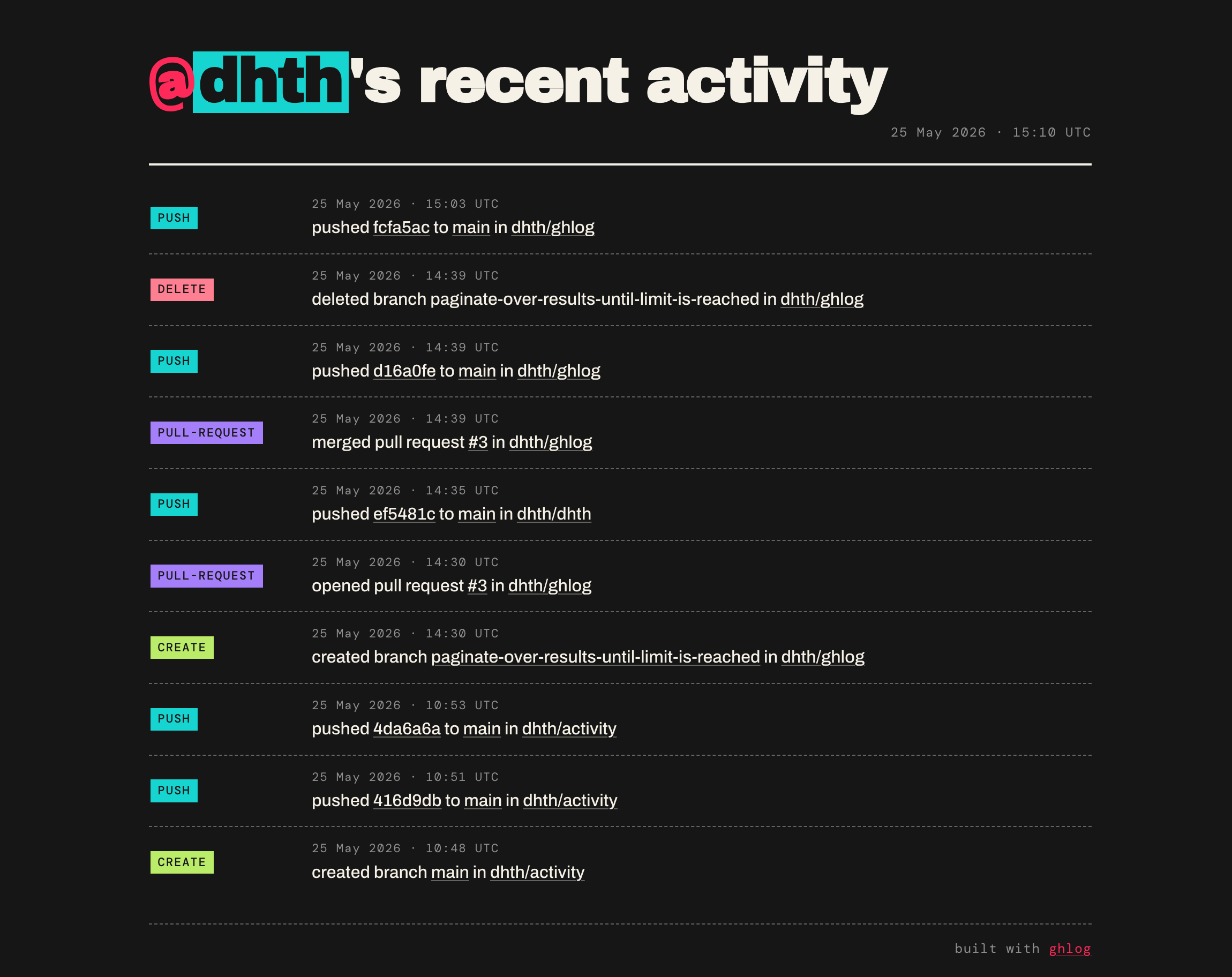 |
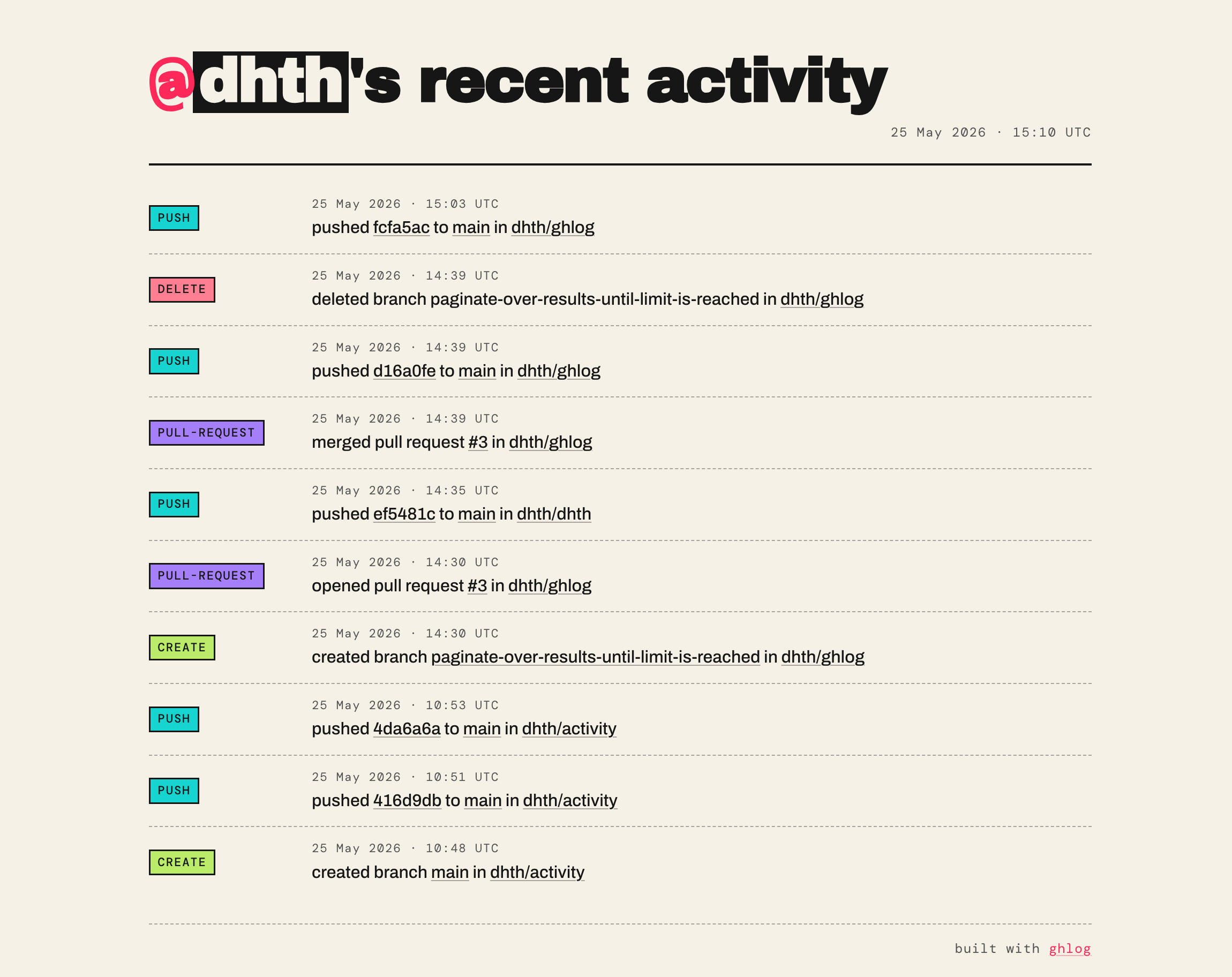 |